When your only administrator is unavailable: What belongs in an IT emergency folder
Contacts, responsibilities, protected access and recovery priorities: An IT emergency folder that a designated stand-in can actually use.
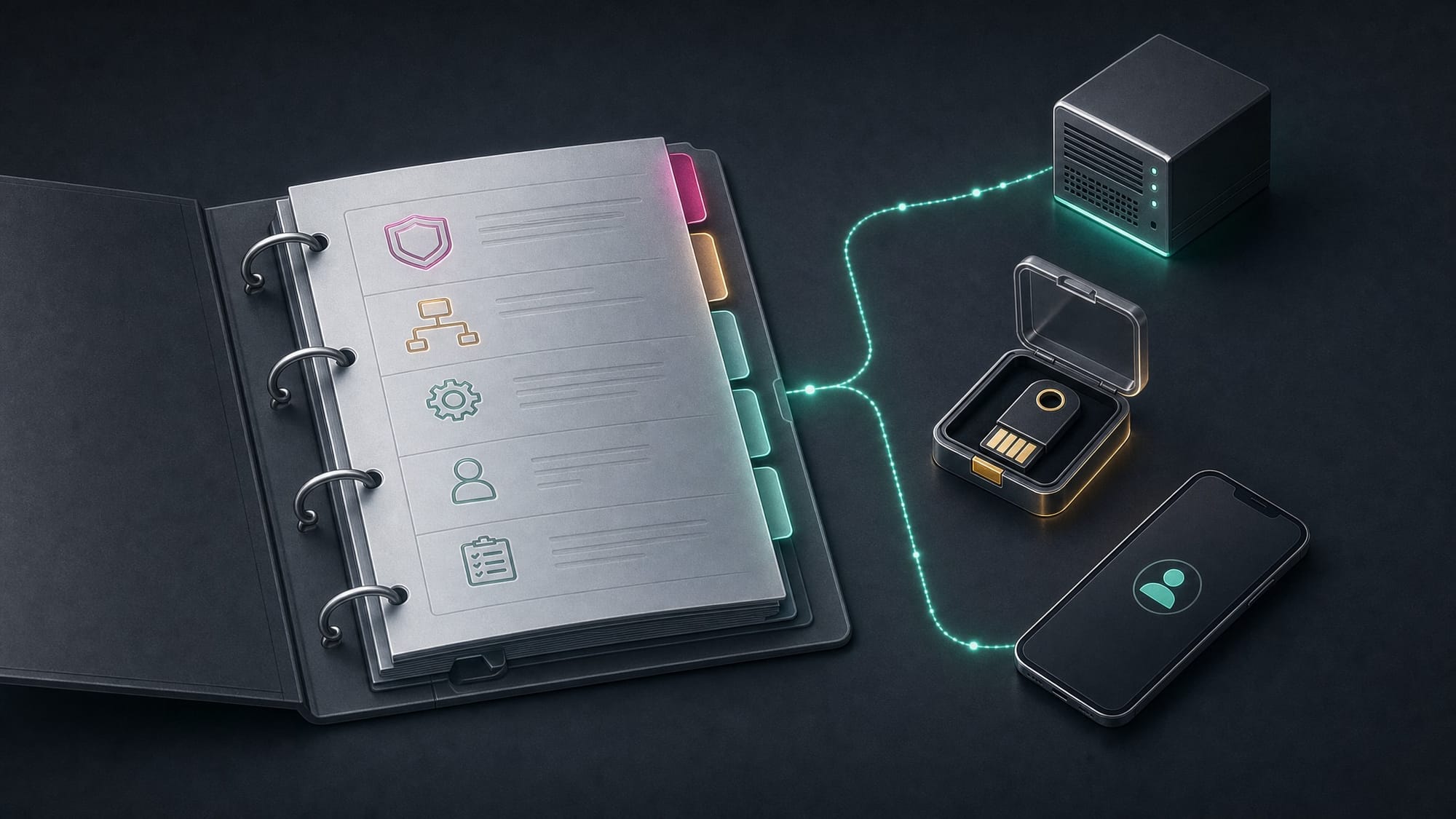
The internet connection goes down, an important account cannot be accessed, or a server won't start after a power problem. Normally, a specific person would know where to look. But that person is unreachable right now. Nobody knows which provider to contact, the contract number is in a locked mailbox, and the second factor depends on a missing phone.
This isn't primarily a technical problem. It's a dependency on knowledge and access. An IT emergency folder should reduce this dependency. It doesn't need to be thick. It needs to help the right people take the next steps safely.
An overview that a representative can understand
Start with the most important services: email, internet, telephony, file storage, business applications, and backup. For each service, document who operates it, who is responsible internally, and which support contact to use if something fails. Contract or customer numbers should be included as far as they are needed for reporting a problem.
A simple diagram of dependencies is helpful. If telephony depends on the internet connection, a phone problem may not be a separate outage. If a business application requires a local server and a functioning login, a stand-in must be able to identify both dependencies.
The documentation should not assume that everyone knows every internal abbreviation. "The small black computer in the back" is just as inadequate as a list of device names without explanation. A clear purpose and an unambiguous location save more time in an emergency than additional technical details without context.
Document access, keep secrets protected
A generally accessible folder should not contain complete password collections. Document where authorised people can find the necessary credentials, how access is approved, and who acts as the designated stand-in. The secrets themselves remain in a dedicated secure location.
Check for circular dependencies. If the password manager is only accessible after logging in via the service that has just failed, an independent recovery route is needed. If all help documents exist only on the unreachable server, they're missing precisely when they're needed.
A carefully safeguarded offline extract can therefore make sense. It contains the initial contacts, responsibilities, and recovery instructions. Its scope, storage location, and update status must be consciously determined. An unencrypted copy of all access credentials on a loose USB stick would be the wrong countermeasure.
Emergency accounts are prepared exceptions
For central platforms, it must be clear how administrative capability is maintained when regular access fails. Microsoft recommends at least two separate cloud emergency access accounts for Entra ID without synchronization with the local directory. This includes authentication methods independent of daily use and resistant to phishing, secure storage, monitoring, and regular functionality checks. Manufacturer recommendation for emergency access accounts.
This does not mean simply creating an unprotected administrator account and exempting it from every rule. The setup must match the respective service. Emergency access accounts are not used in day-to-day operations, and their use must be noticeable.
The human aspect is equally important: Who is allowed to declare the emergency, who is allowed to retrieve the securely stored access materials, and how is the use logged? A working account is of little help if nobody knows who is allowed to use it.
A sensible sequence instead of "restart everything"
The emergency folder should state which services are checked first and which measures must not be taken without consultation. An unplanned restart can interrupt ongoing work or make error analysis more difficult. In case of a suspected security incident, a different approach may also be needed than in case of an ordinary technical defect.
Recovery priorities must therefore be set: Which workflows are needed first, which recovery points are available, and which dependencies must work first? Planning also includes reachable contacts and a communication channel outside the possibly disrupted company email. This combination of recovery planning, roles, and exercises is also found in the NIST emergency planning guide. NIST SP 800-34.
The folder does not need to contain complete repair instructions for every conceivable fault. It should quickly guide an authorized representative to the right decision and to the appropriate specialist support.
A short handover exercise reveals the gaps
Give a designated substitute a concrete task: reach the internet provider, find the last documented recovery test, or follow the documented process for accessing an emergency account. The usual administrator should not explain every step during the exercise. Where questions arise, a piece of information or a clear responsibility is usually missing.
After changes to providers, access methods, or systems, the documentation is updated. In addition, it needs a fixed review date and a responsible person. A folder that nobody maintains soon becomes only a description of the old environment.
Conclusion
A good IT emergency folder does not replace an administrator. It prevents the entire operation from depending on the availability of a single person. With clear contacts, protected access routes, and a tested sequence, the company remains able to respond, even if the person with the most detailed knowledge is unavailable.
Would you like to check whether someone else could take over in an emergency? Talk to shinpo IT.