Network segmentation in a small business: Guest Wi-Fi, server VLANs and a printer zone
Separate guests, workstations, servers and printers sensibly: Necessary connections, the limits of VLANs and a controlled transition.
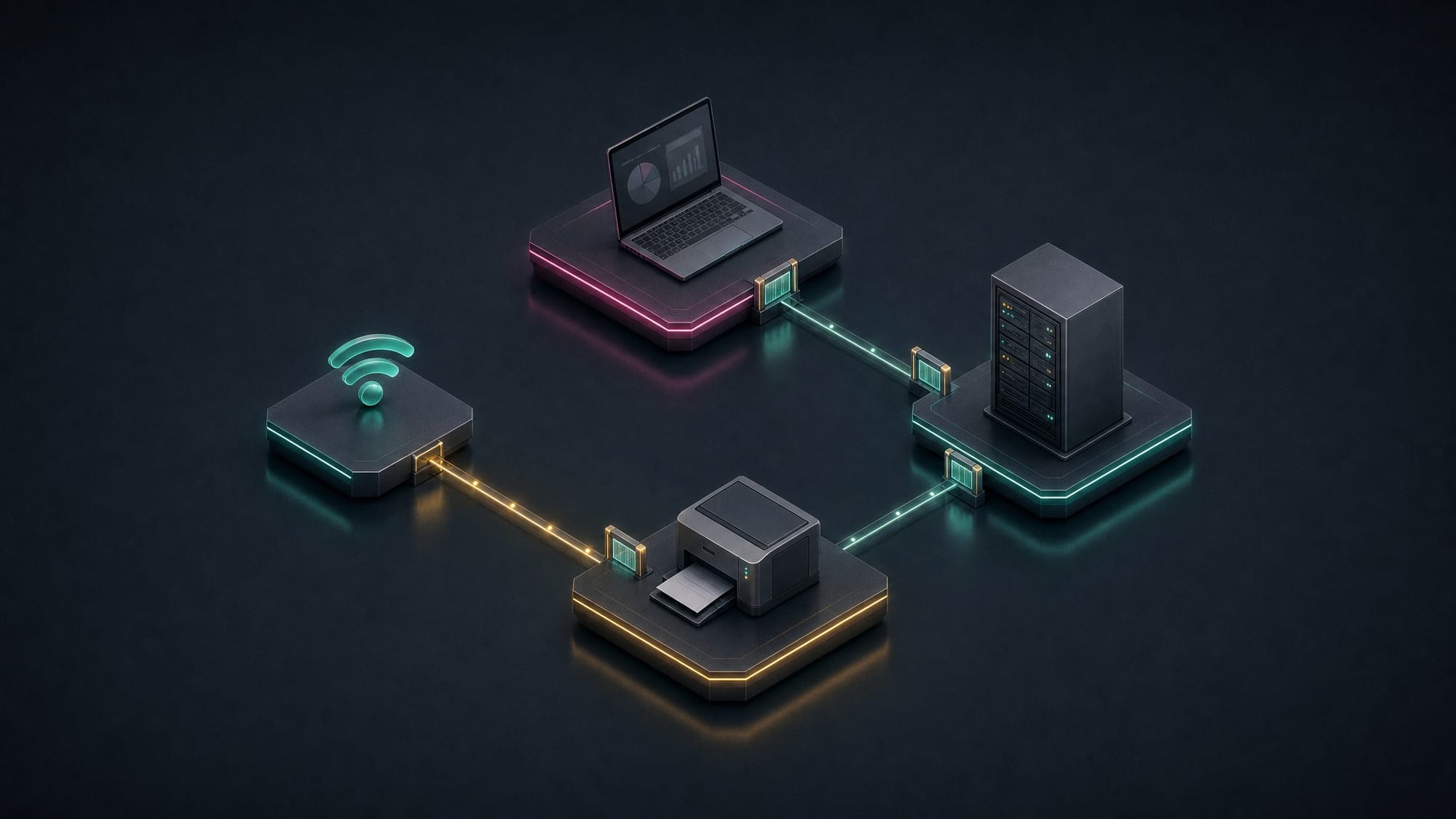
The visitor receives the WiFi password, the new printer is connected, and the camera in the entrance area also finds a free network port. As long as everything works, a shared network seems like the simplest solution. Only when a disruption or security incident occurs does the question arise of which devices can actually reach each other.
Network segmentation addresses exactly this point. Devices with different tasks and different protection requirements are separated. The transitions allow only the necessary connections. This does not prevent every attack, but can limit unnecessary access paths and restrict the spread of an incident.
Start with workflows, not with VLAN numbers
Before any technical change, an overview is needed. What devices exist? Where is important data stored? Which application needs which server? How do scans reach the mailbox, and who manages the network devices?
These questions sound simple, but often reveal the actual work involved. A printer can also be a scanner. A specialized application may require multiple services. An externally managed device needs a specific maintenance path. Such connections should not come to light only after the new separation is already active.
A simple connection matrix helps: source, destination, required service, and business purpose. This creates a justified set of rules instead of a collection of generous exceptions that no one can explain later.
Create zones based on tasks and protection requirements
For many small environments, several areas are a sensible starting point. How many are actually needed depends on applications, devices, and operational workflows.
- Guests: Visitor devices receive internet access but no general access to the company network. If necessary, connections between guests are also blocked.
- Workstations: Employees reach the intended applications, file storage, and print services. Direct connections between clients are evaluated based on actual need.
- Servers: Specialized applications and central services receive targeted access rules. Particularly sensitive backup systems may require additional isolation.
- Printers and other devices: Scanners, cameras, and building technology are grouped according to their requirements. Required connections, such as scan-to-email or updates, are explicitly accounted for.
- Management: Administrative interfaces are accessible only via the intended administrative access paths, not indiscriminately from every workstation.
These areas are a planning model, not a rigid minimum number. A small environment may look different from a firm with multiple specialized applications. What matters is that every boundary serves a clear purpose.
A VLAN alone is not an access rule
VLANs separate logical networks at the switching layer. If devices from different VLANs are to communicate with each other, traffic is routed between them. Only appropriate firewall rules or access control lists then limit the permitted connections. Cisco demonstrates this interaction using a simple inter-VLAN example. Manufacturer documentation on routing and access restrictions.
If you create multiple VLANs and then allow all traffic between them, you have not yet implemented the desired access restriction. Conversely, not every connection needs to go through the same device. What matters is that the intended controls are actually enforced and no unmonitored alternative paths exist.
A second WiFi name alone does not prove separation either. The assignment at the access point, the switch connections, and the transition to the internal network must align. For IPv6, the same protection intent must apply as for IPv4.
Transition gradually and test the boundaries
A transition begins with a configuration backup and a rollback plan. After that, a limited area is suitable, for example a guest access or a small device group. This allows assumptions to be tested before many workstations are affected.
Test both permitted and prohibited paths. A guest should be able to access the internet but not open internal administrative interfaces. A workstation should be able to print while unnecessary access from the printer network remains blocked. A failed ping alone does not prove complete separation.
Logs help identify forgotten dependencies. However, every subsequent exception still needs justification. "To make it work again" can be a temporary measure but should not replace the final documentation.
Estimate effort realistically
Existing hardware is only part of the planning. Check the functions, support status, and available performance capacity of firewalls, switches, and access points. Add to this IP addressing, printer assignment, name resolution, and the accessibility of external support.
A reliable effort estimate is developed after the inventory assessment. Blanket statements like "finished in an afternoon" often overlook exactly those dependencies that later cause disruptions. A scheduled maintenance window and available contacts are part of the project.
Conclusion
A clearly separated network makes necessary access visible and unnecessary paths more difficult. It does not replace updates, secure accounts, or backups. But as part of a coordinated security concept, it helps ensure that not every device can automatically reach every other device.
Would you like to know which separation makes sense for your business? Talk to shinpo IT.